Dharam Kanta BillingBy CSDT IT SolutionBook a free demo

Weighbridge Software Features

See how operators record weighments and how administrators manage accounts and review reports.

Start a vehicle weighment
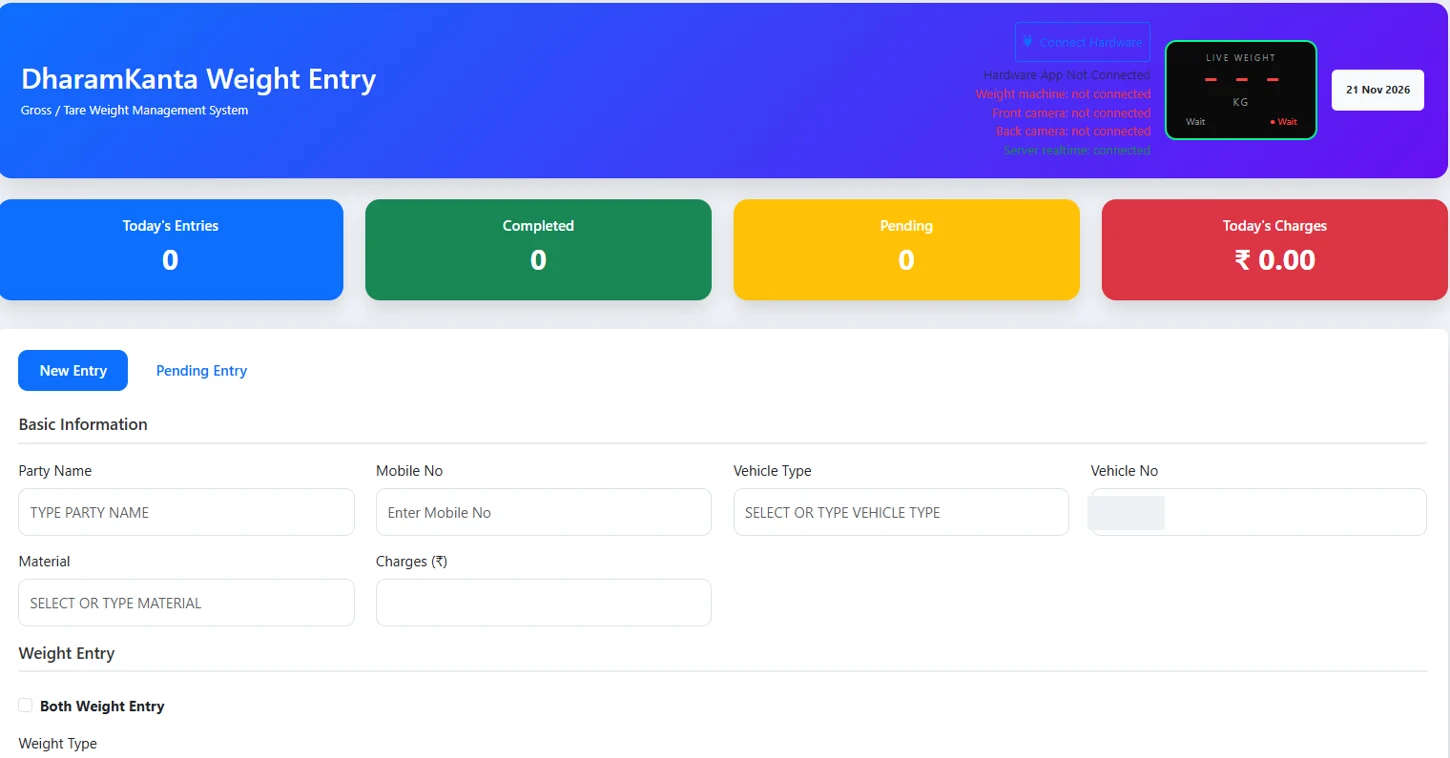
Weight entry with live indicator reading
Real weight-entry screen. Live readings appear when the hardware is connected.

Pending and completed weighments

Print a first slip with only the gross or tare weight. If you already have both weights, use Both Weight Entry to enter them together and print the bill. You can also reopen a pending entry to add the second weight later.

Both Weight Entry fields for gross, tare and net weight
Both Weight Entry allows gross and tare to be entered together on one record.
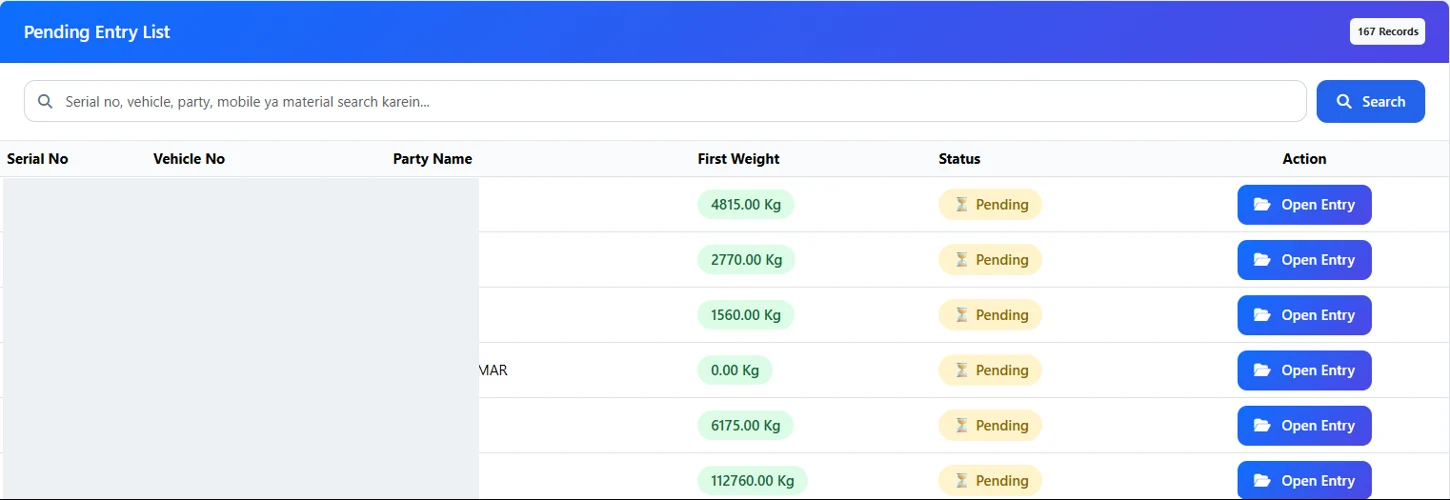
Pending weighments waiting for second weight
Find the first weighment and reopen it to record the second weight.
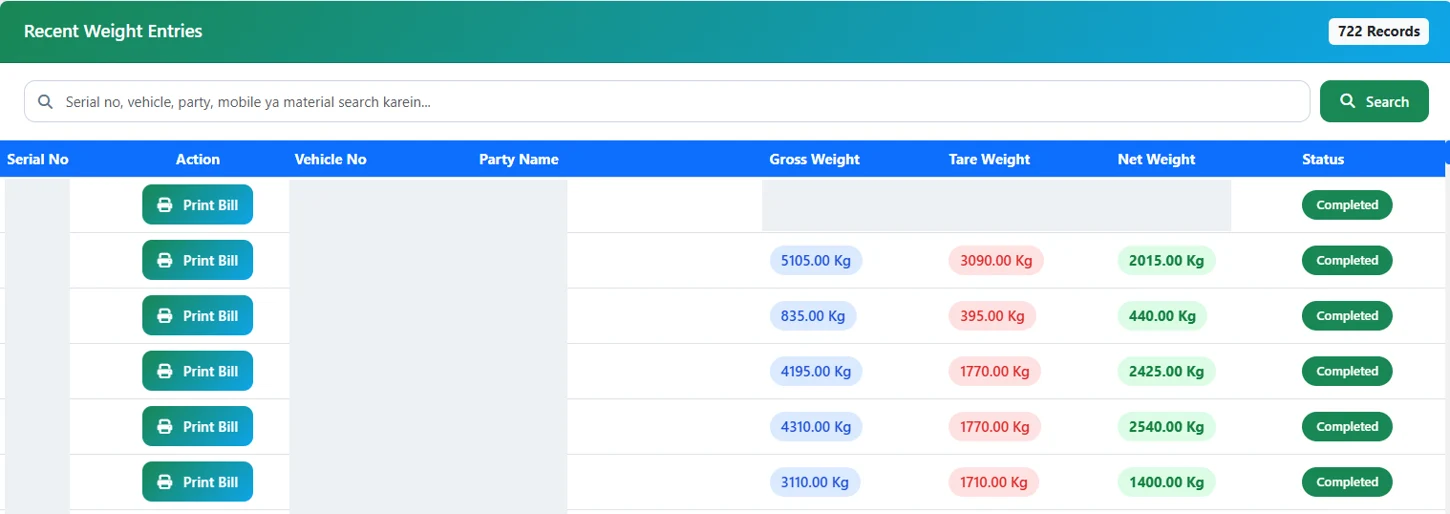
Completed weighments with the print bill action
Review completed weighments and open the bill print action.

Operator panel

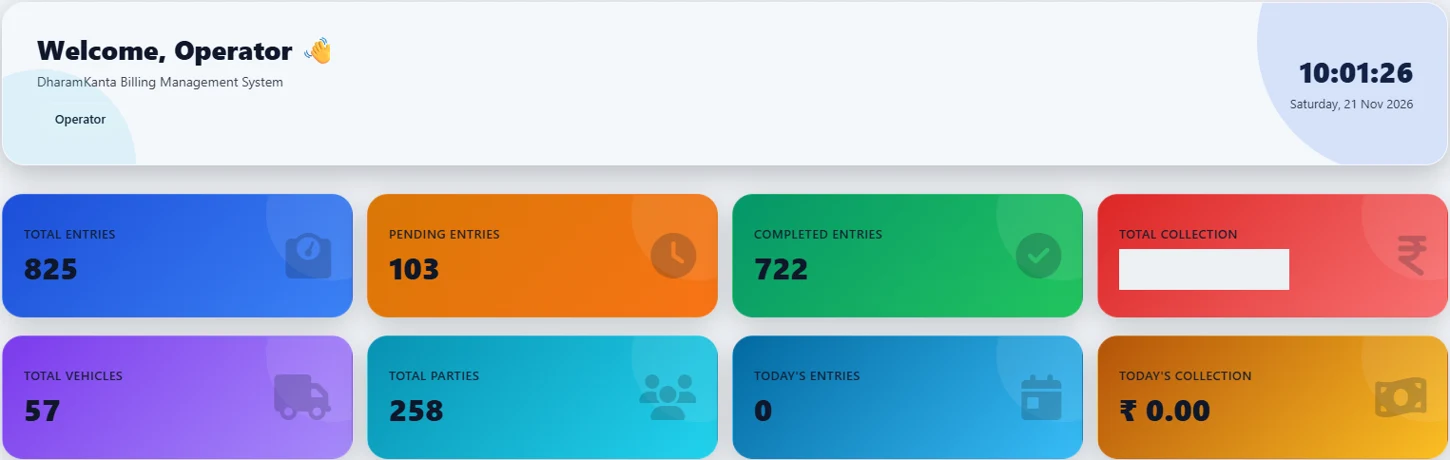
Operator dashboard for daily weighment
Operator dashboard with weighment activity and collection summaries.
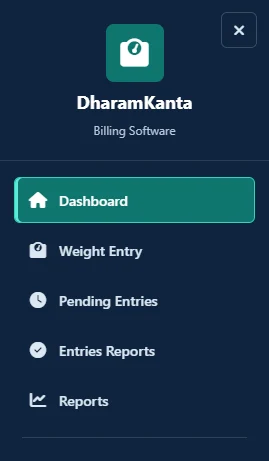
Operator menu with weight entry, pending entries and reports
Operator menu for weight entry, pending entries, entry reports and reports.

Administrator panel and reports

Administrator user management screen
Administrator user management for operator accounts.
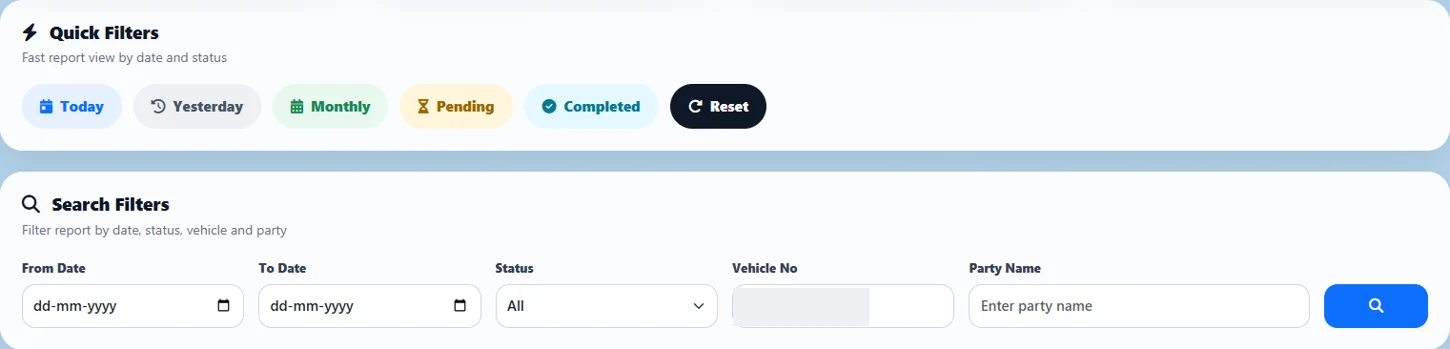
Report filters by date, status, vehicle and party
Filter transaction reports by date, status, vehicle or party and print the report.

Weighment slips and sharing

Print the first slip or final bill, and share bills via WhatsApp from the transaction workflow.

View the sample slip